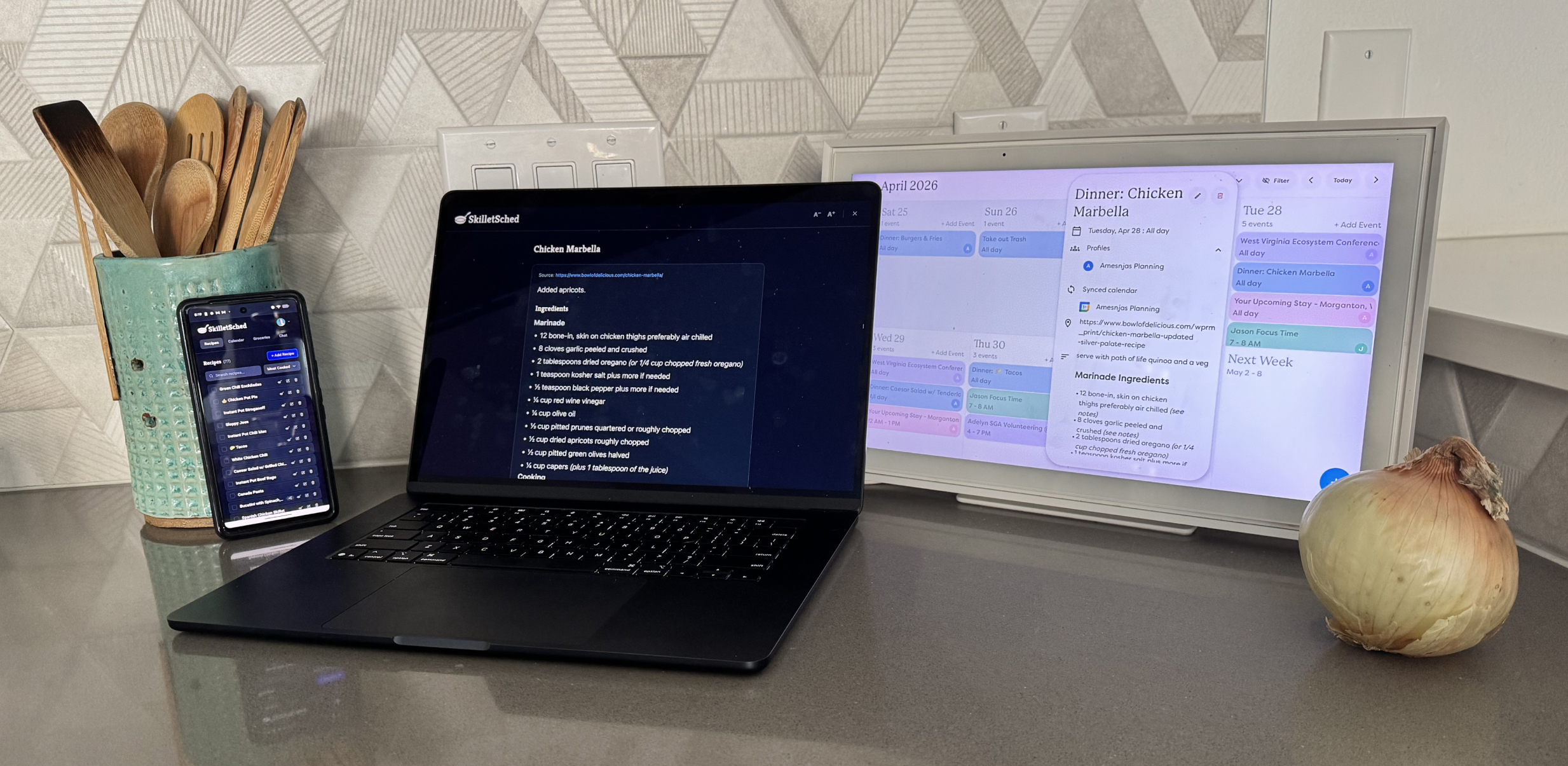
Three years ago, I wrote a post about how our family plans meals each week on Google Calendar and used a data export to surface and share some of our favorite weeknight dinners. Until this month, that was still our process.
Create your own Nest Photo Gallery
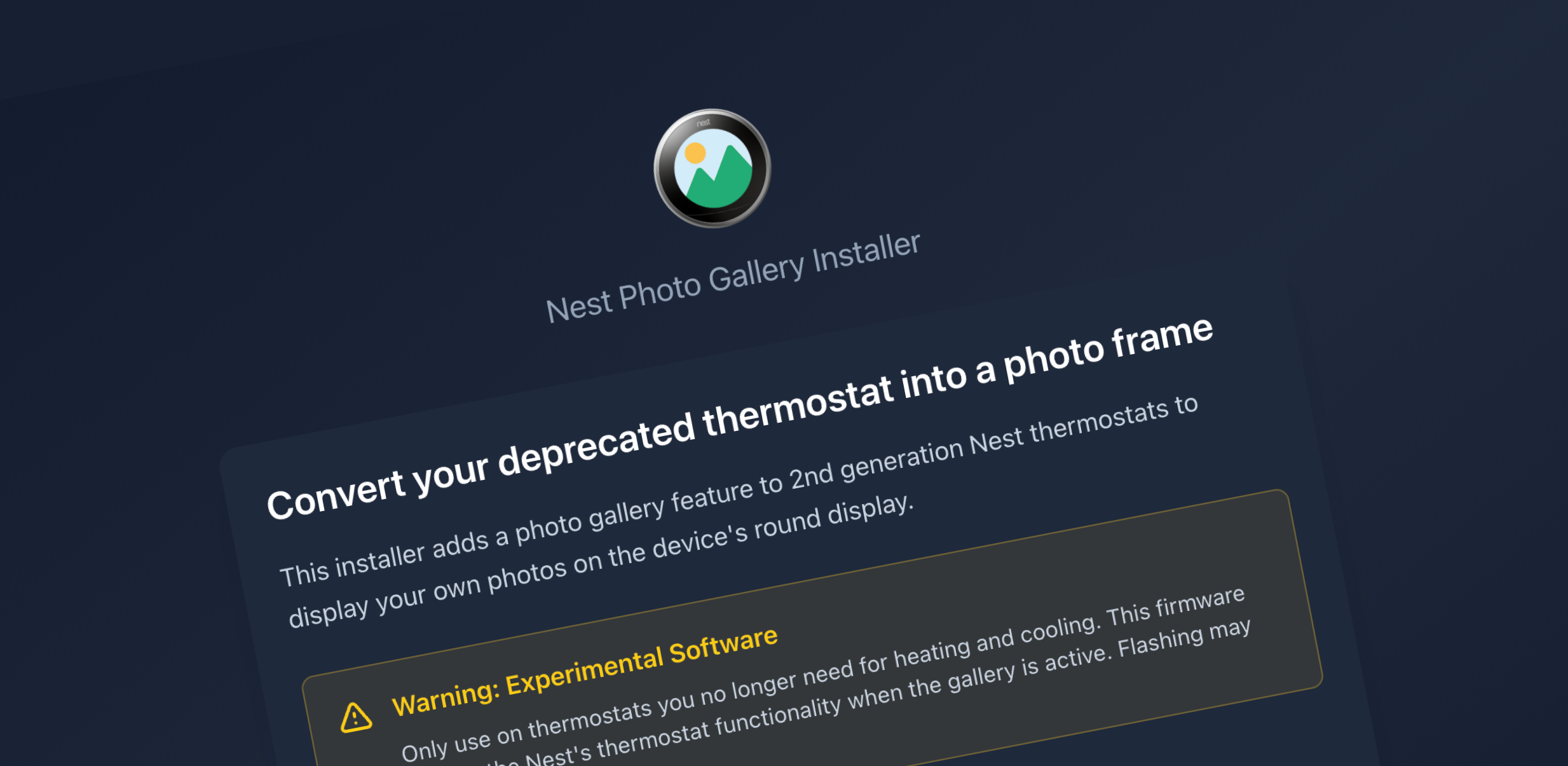
A few weeks ago, I wrote about how I used Claude Code to convert a deprecated Nest thermostat into a photo gallery. That post finished with a happily-ever-after ending and a video demo of the working device installed on a wall. It would have been nice to call it done and just enjoy seeing family memories on the circular screen every time I walked in the door, but I wanted to enable others to create their own mini photo frame.
Converting a Deprecated Nest Thermostat into a Photo Gallery

Before we dive in, I should let you know that I’m a designer. I have no business hacking firmware to make devices perform jobs they were never intended for, but I do love tinkering with physical hardware. A few years ago, I wrote about building an Arduino LED strip game and followed that post up with another about a Simon clone built with arcade buttons and a 3D printed case. I’ve also taken on some Raspberry Pi projects, a few simpler Arduino builds, and some home automation. All of those were based on existing code and project plans—no compiled binaries or firmware modifications. So, yes, I was way outside my skill set and comfort zone on this project, but that’s how we learn new things, right?