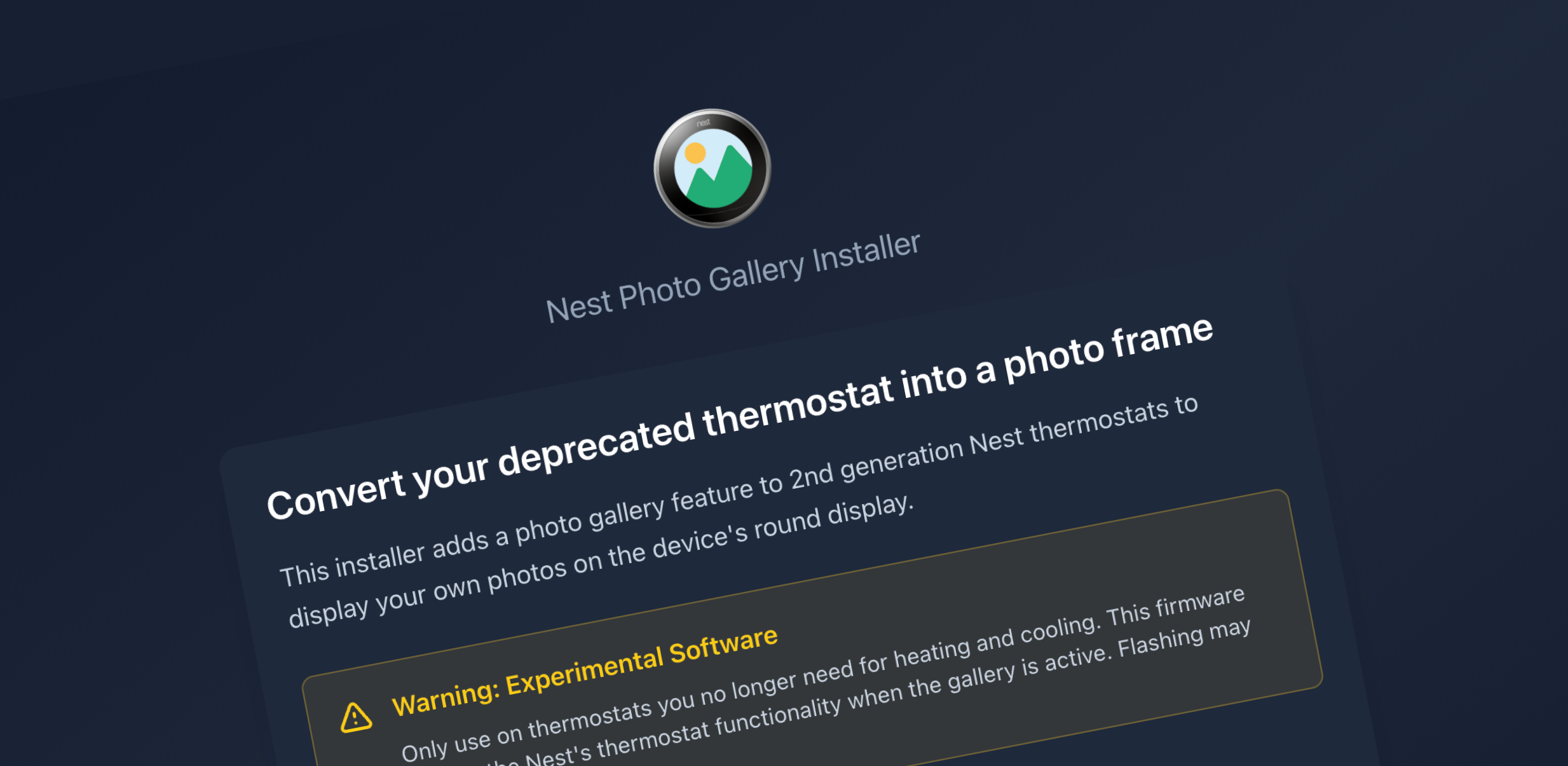
A few weeks ago, I wrote about how I used Claude Code to convert a deprecated Nest thermostat into a photo gallery. That post finished with a happily-ever-after ending and a video demo of the working device installed on a wall. It would have been nice to call it done and just enjoy seeing family memories on the circular screen every time I walked in the door, but I wanted to enable others to create their own mini photo frame.
I started working on an installer to transform any old Gen2 Nest Thermostat into an interactive gallery. Building and actually releasing an executable installer ended up being much harder than the original proof of concept build.
Yes, I bricked it
My first mistake was assuming I could just package up what I’d built with Claude Code and call it done. The gallery worked great on my Nest, so how hard could it be to make that repeatable?
Turns out: pretty hard
Most of the gallery code on the proof of concept was iterated on within the device, over SSH. While I was able to whip up an installer pretty quickly with Claude Code, it was clear with each firmware test flash that some assets were left in place from the original POC.
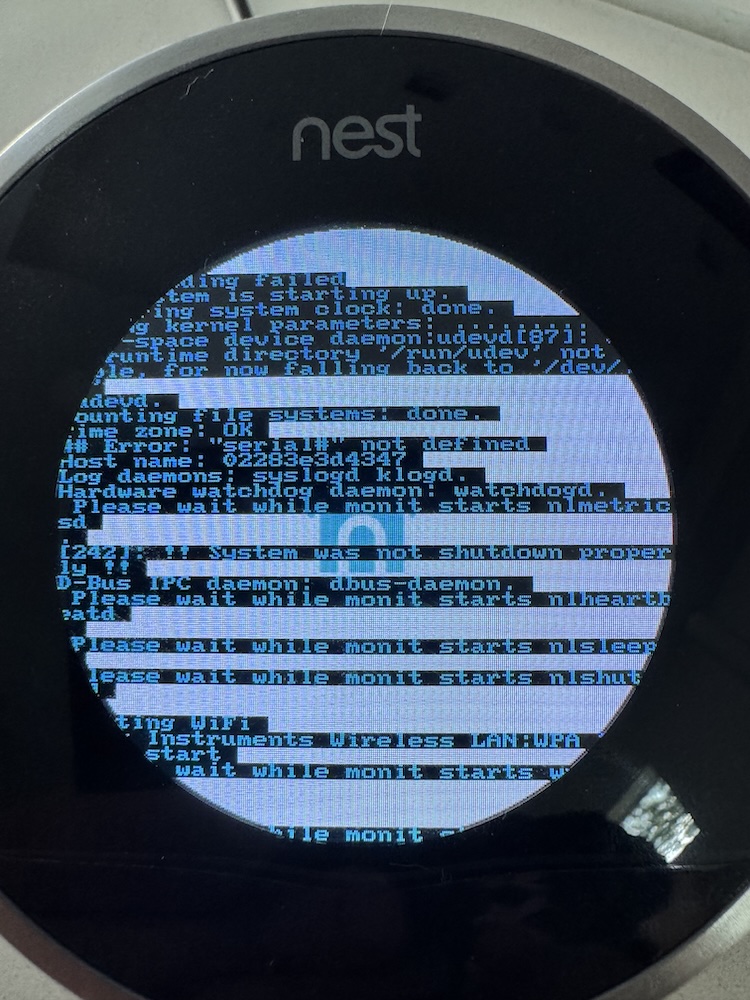
I spent a while trying to verify that it would work with a stock thermostat and managed to send the device into a boot loop that prevented it from connecting to wifi (no more SSH access) and eventually even charging. Claude kept suggesting ways to troubleshoot, resisting my assertion that we’d fully bricked it. After a weekend of rebuilds and firmware flashes, we finally pronounced it dead. Together, we had turned a functional photo gallery into exactly what Google wanted it to be when they dropped support, a beautiful little hockey puck of ewaste. 😢
After grieving the untimely loss of my original thermostat gallery, I doubled down and replaced it with a set of two more Gen2s from eBay which I nicknamed Bender and Clank. The idea was to use Bender to get the installer working consistently, and then confirm everything worked as expected with a clean, end-to-end firmware and gallery install on Clank.
View on Threads
Getting it right (this time)
For the original gallery, I manually formatted the images to the required BGRA .raw file format myself and hosted them on an HTTP subdomain that the Nest checked for updates whenever it was activated. It did the job, but wasn’t a very approachable solution to gallery maintenance.
I kept that advanced flow around, but simplified the default setup with an Electron app (based on the no longer evil installer) that handles the entire process: USB DFU flashing, image conversion, and SSH transfer. You plug in your Nest, click a few buttons, select photos, and end up with a working photo gallery.
The Nest Gallery installer release is now available on GitHub for ARM-based Macs (M1 or later). It’s MIT licensed, fully open source, and you don’t have to understand anything about cross-compiling ARM binaries or NAND partitions to use it.
Here’s what you get:
- One-time USB flash – No need to reflash the device when you want to update photos
- WiFi photo updates – Add jpg or png images via SSH transfer through the Electron app
- Carousel navigation – Turn the ring to scrub through photos
- Auto-advance – 10-second intervals with smooth transitions
- Motion wake – The display wakes when it detects motion
- Thermostat toggle – Double-click to switch back to thermostat mode if you want
Should you actually build one?
If you have a deprecated Gen 2 Nest sitting in a drawer and you’re comfortable with the possibility that you might brick it, yes. The installer makes it as straightforward as this kind of hardware hack can be, and there’s something genuinely satisfying about bringing a discarded piece of hardware back to life with a new purpose.
If you don’t have a Nest but you’re curious about the code, it’s all there. Feel free to pick it apart, modify it, or use it as a jumping off point for doing something completely different. Claude Code wrote most of what’s there and I had fun keeping it on task and learning way more than I ever expected about 2010s Linux hardware. You can find the full project, installer, and source code at: https://github.com/jasongraphix/nest-gallery